 Chrome extension · Side panel
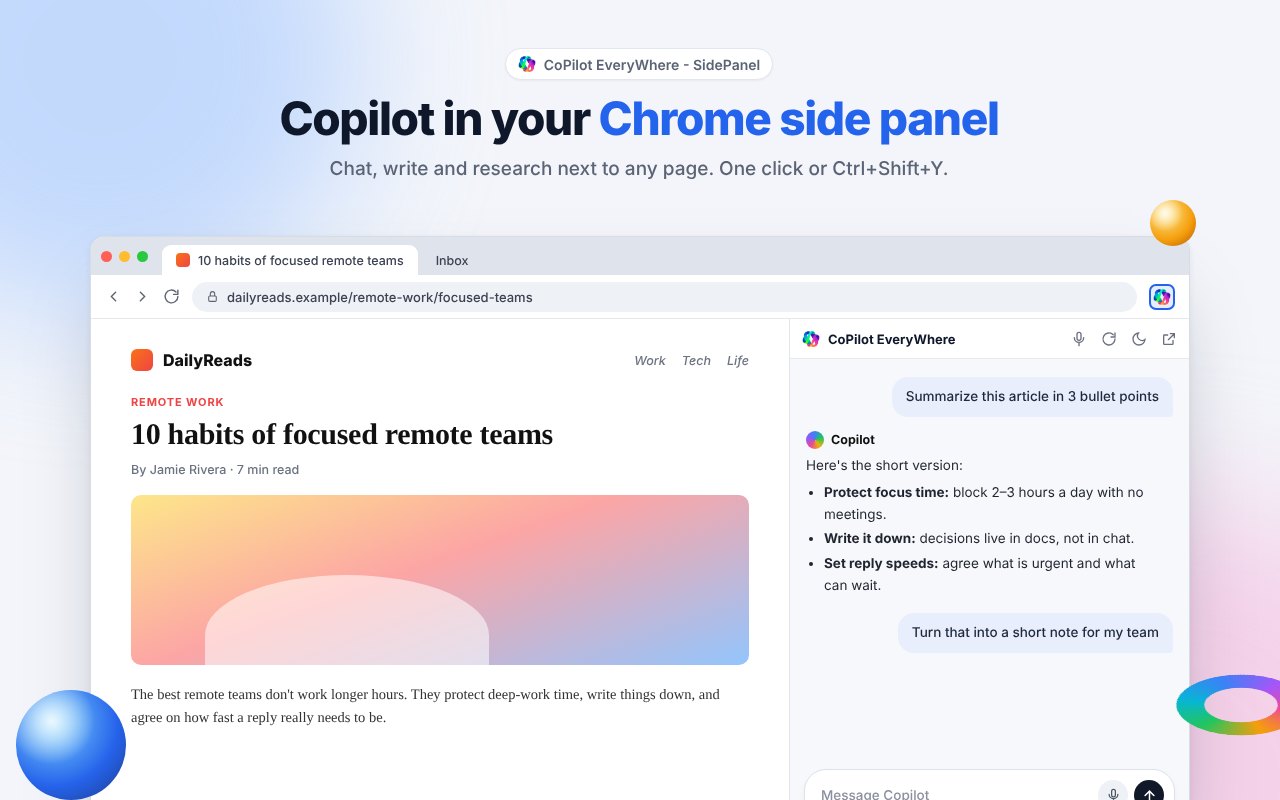
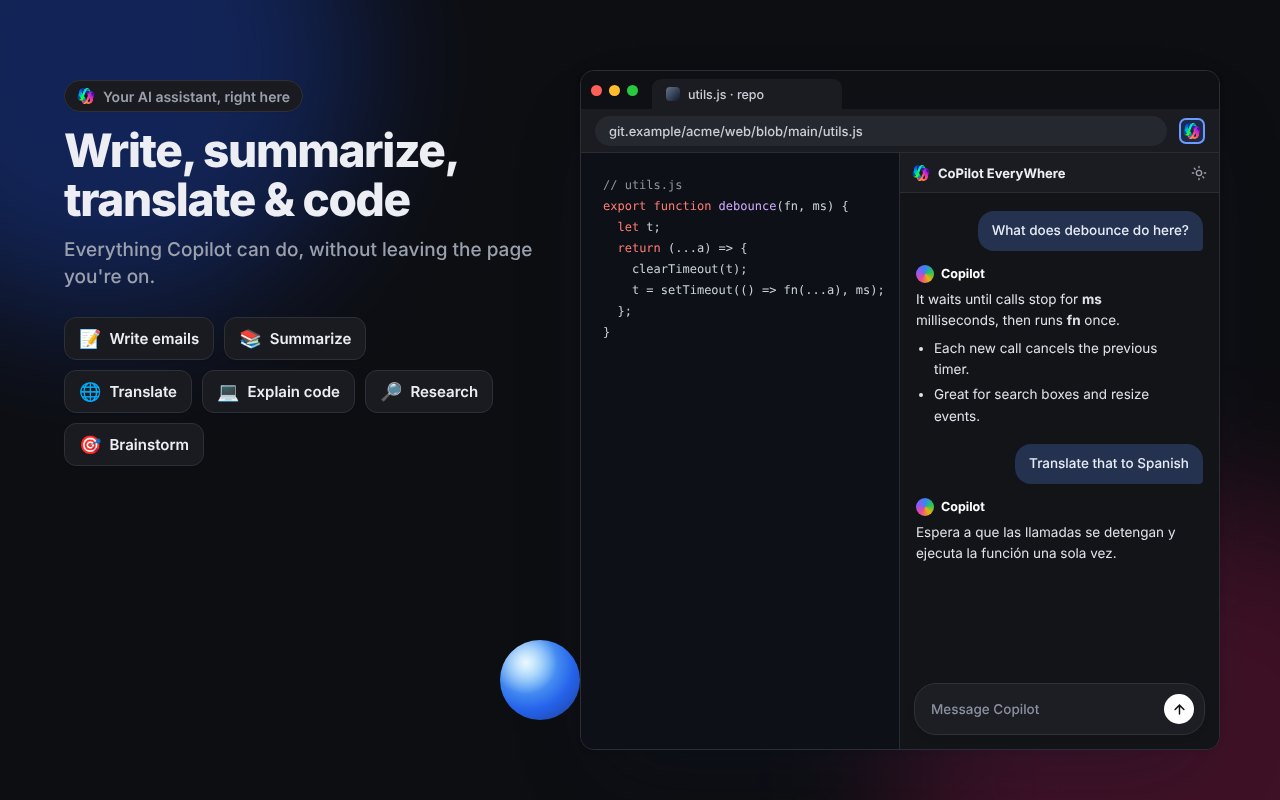
CoPilot EveryWhere opens Copilot in Chrome's side panel or a popup. Summarize, write, translate and code without switching tabs.
From a click on the toolbar to a finished summary, without leaving the page.
The Edge-style Copilot sidebar experience, built for Google Chrome.
Chat with Copilot while the page stays in view.
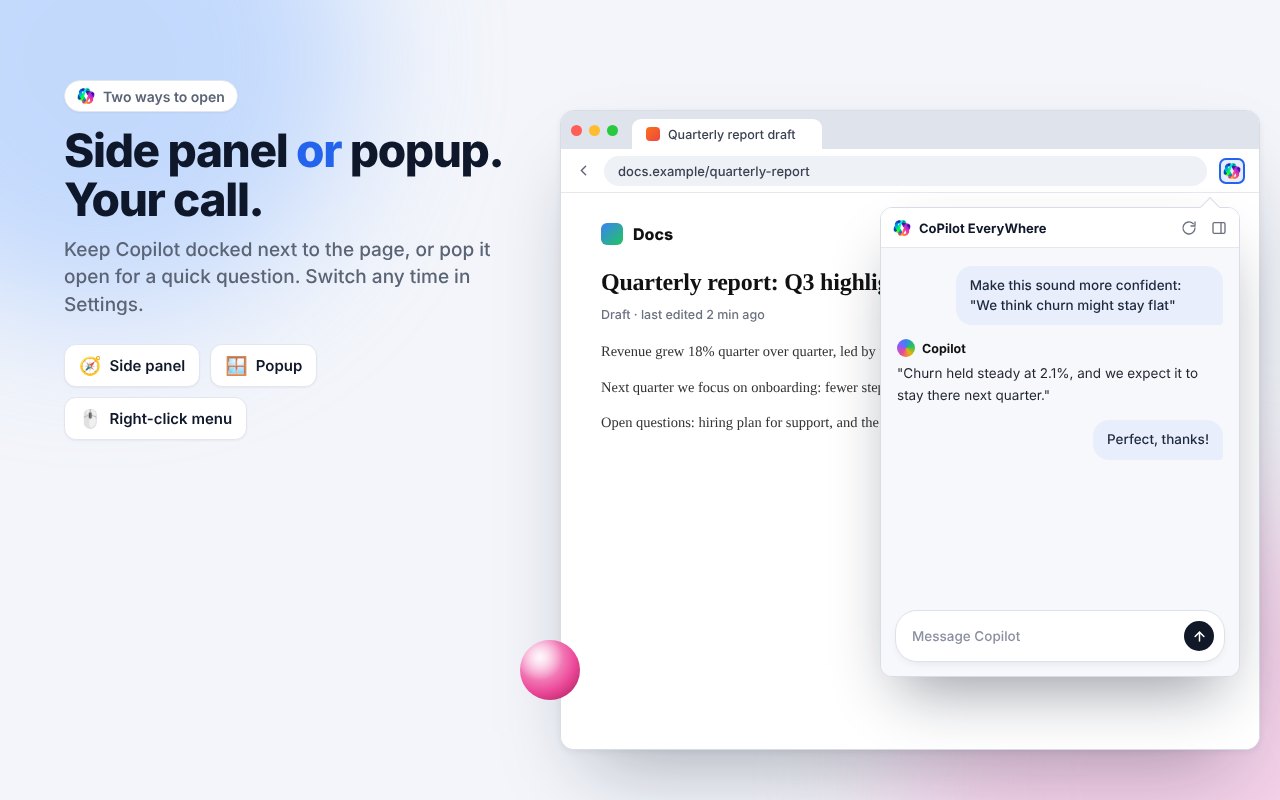
Pick the mode you like in Settings, switch any time.
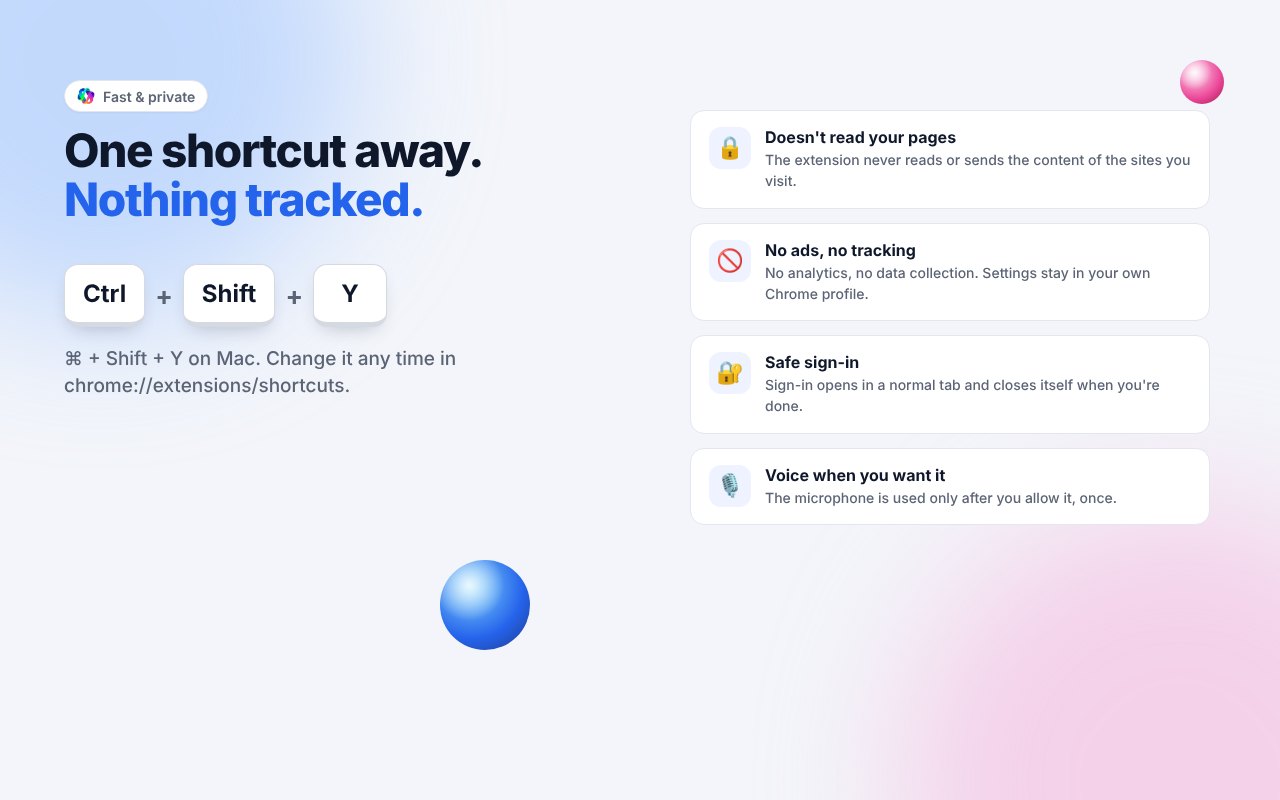
Ctrl+Shift+Y, or set your own.
Sign-in opens in a normal tab and closes itself when done.
Talk to Copilot after a one-time microphone permission.
Follows your system, or choose a theme yourself.
Uses your browser's language automatically.
No ads, no tracking, never reads your pages.
Install it from the Chrome Web Store.
Click the puzzle icon, then the pin next to CoPilot EveryWhere.
Click the icon or press Ctrl+Shift+Y. Allow copilot.com once.
Sign in to keep your history. Turn on voice if you like.
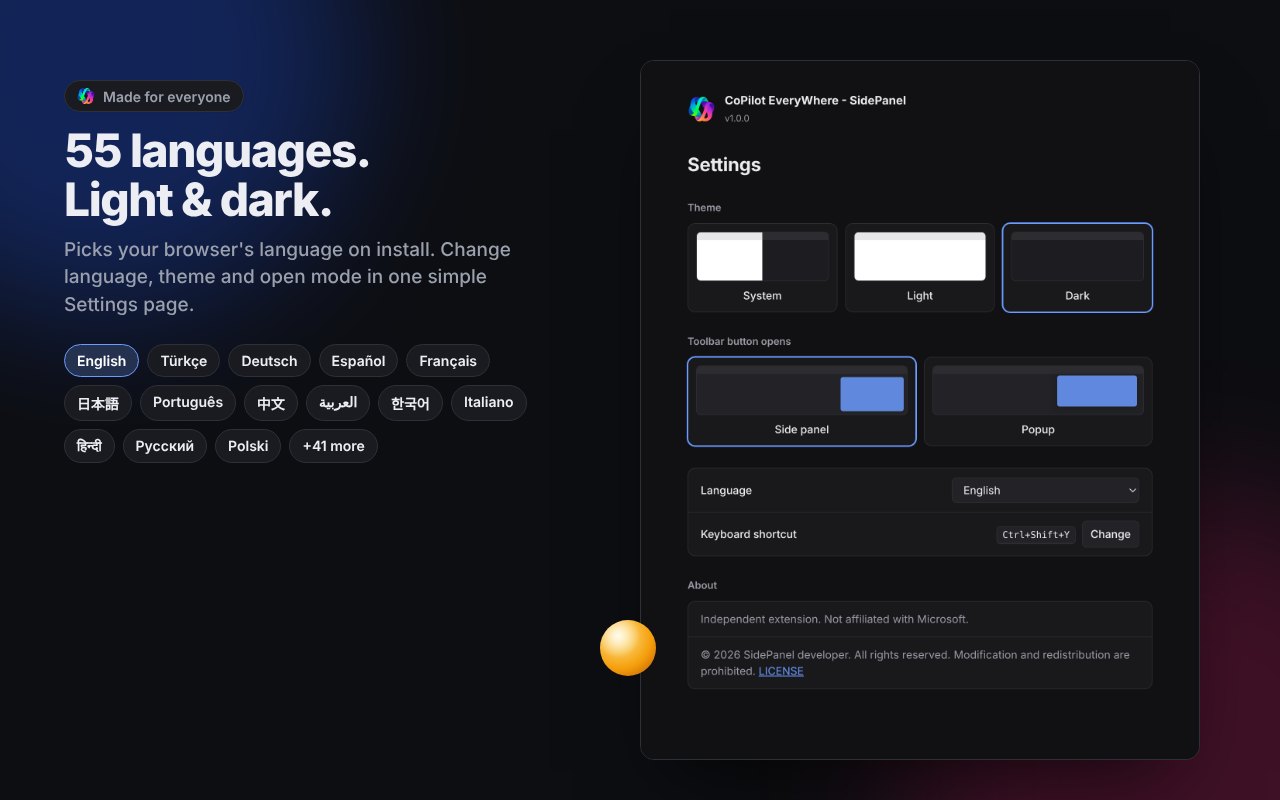
Picks your browser's language on install. Change it any time in Settings.
No. CoPilot EveryWhere - SidePanel is an independent extension and is not affiliated with Microsoft. It opens the Copilot website in Chrome's side panel.
No. The extension never reads or sends the content of the pages you browse. To ask about a page, copy the text into Copilot yourself.
You can start chatting right away. Signing in keeps your chat history.
That permission lets Copilot load inside the side panel. Chrome asks once, the first time you open the panel. Depending on your region, Copilot may redirect to copilot.microsoft.com, so that site is included too.
Sign-in pages refuse to run inside other pages for security reasons. The extension opens sign-in in a normal tab and closes it automatically when you're done.
Open chrome://extensions/shortcuts or click "Change" next to the shortcut in the extension's Settings.
Google Chrome 116 and newer. Other Chromium browsers that support Chrome's side panel should work too.
